
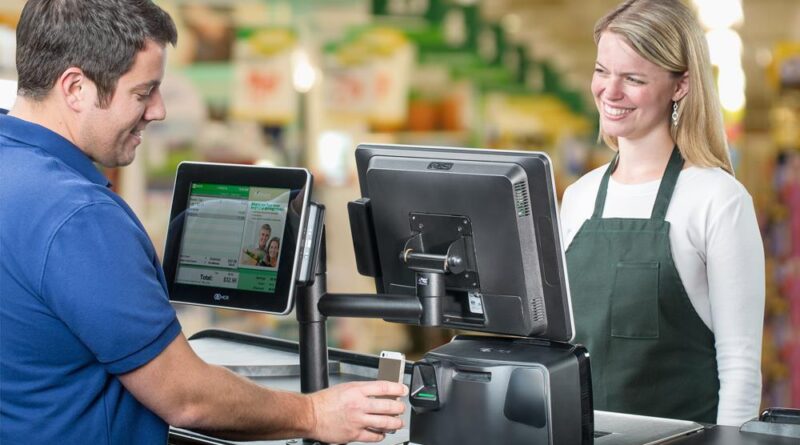
Security and Data Protection Features in Touch Screen Cash Registers
Protecting customer information and business data has become a top priority for organizations that process digital transactions. As payment technologies continue to evolve, modern point-of-sale systems include advanced security features designed to safeguard sensitive information from unauthorized access and cyber threats. A secure cash register not only protects financial data but also helps businesses maintain customer trust and comply with industry standards.
Modern point-of-sale systems combine secure payment processing with powerful data management capabilities. Choosing a reliable Touch Screen Cash Register allows businesses to benefit from encrypted transactions, user access controls, secure data storage, and regular software updates, all of which contribute to a safer and more dependable business environment.
Encrypted Payment Processing
Encryption is one of the most important security features in a modern POS system. It converts sensitive payment information into unreadable data during transmission, making it difficult for unauthorized parties to intercept or misuse customer information.
Encrypted payment processing helps protect:
- Credit card details
- Debit card information
- Digital wallet transactions
- Customer payment records
This added layer of protection reduces the risk of financial fraud.
User Access Controls
Not every employee requires access to every function within a POS system. User access controls allow businesses to assign different permission levels based on employee roles and responsibilities.
Benefits include:
- Restricted access to sensitive data
- Controlled administrative privileges
- Employee-specific login credentials
- Activity tracking for accountability
Managing user permissions helps reduce the likelihood of accidental or unauthorized system changes.
Secure Login Authentication
Modern touch screen cash registers often include secure authentication methods to verify user identities before granting system access.
Common authentication options include:
- Strong password protection
- PIN-based login
- Multi-factor authentication
- Biometric verification, where supported
These measures help prevent unauthorized access to business information.
Automatic Software Updates
Keeping POS software up to date is essential for maintaining system security. Software updates frequently include security patches that address newly discovered vulnerabilities and improve overall system stability.
Regular updates also ensure compatibility with the latest payment technologies and security standards.
Data Backup and Recovery
Unexpected hardware failures, software issues, or power interruptions can result in data loss if proper backup procedures are not in place. Modern POS systems often provide automated backup solutions to protect critical business information.
Effective backup strategies include:
- Cloud-based backups
- Scheduled automatic backups
- External storage options
- Quick data recovery tools
Reliable backups help businesses restore operations quickly after technical issues.
Secure Customer Data Storage
Businesses often collect customer information for receipts, loyalty programs, or order histories. Modern POS systems use secure storage methods to protect this data from unauthorized access.
Secure storage practices help businesses maintain customer privacy while supporting long-term relationship management.
Activity Logs and Audit Trails
Many advanced POS systems record user activity through detailed logs and audit trails. These records help managers monitor system usage and investigate unusual activity when necessary.
Activity logs may include:
- Employee login history
- Transaction records
- Refund activity
- Administrative changes
- System access times
These records improve transparency and support internal security monitoring.
Network Security Features
Since many POS systems connect to the internet or local business networks, network security is an important component of overall protection.
Recommended network security measures include:
- Secure Wi-Fi connections
- Firewalls
- Protected network access
- Encrypted communication channels
Strong network security reduces the risk of external attacks and unauthorized system access.
Fraud Prevention Tools
Modern POS software often includes built-in tools that help identify unusual transaction patterns and reduce the likelihood of fraudulent activity.
Examples include transaction monitoring, refund authorization controls, and alerts for suspicious activity. These features help businesses detect potential issues before they result in financial losses.
Compliance with Security Standards
Many POS systems are designed to support recognized payment security standards, helping businesses process transactions more safely and responsibly.
Selecting a system that follows established security practices helps organizations protect customer information while maintaining reliable payment operations.
Conclusion
Security and data protection are essential components of every modern touch screen cash register. Features such as encrypted payment processing, user access controls, secure authentication, automatic software updates, reliable data backups, and fraud prevention tools help businesses safeguard valuable information while maintaining efficient operations. Investing in a secure POS system not only protects sensitive data but also strengthens customer confidence and supports long-term business success.